

Tabularis
Tabularis is an open source desktop SQL workspace for Windows, macOS, and Linux, with a schema explorer, a SQL editor, visual EXPLAIN, entity-relationship diagrams, and SQL notebooks. It connects to Apache Cloudberry over the PostgreSQL wire protocol using its built-in PostgreSQL driver, the same way it connects to PostgreSQL itself.
Prerequisites
- Apache Cloudberry is deployed with proper database access permissions set in
pg_hba.conf. - Tabularis (v0.24.0 or higher) is installed. Packages are available through WinGet, Homebrew, Snap, Flatpak, and the AUR.
- The coordinator host, port, database name, and a role to connect as.
Steps
-
Launch Tabularis and click Add Connection in the connection manager.
-
Under Database type, select PostgreSQL. Cloudberry has no separate connection type of its own: it speaks the PostgreSQL wire protocol, so the PostgreSQL driver is the correct choice.
-
Name the connection, then fill in the coordinator host and port, your username, password, and database name. You can also paste a connection string such as
postgresql://gpadmin:password@coordinator-host:5432/postgresinto the Connection string field to fill these in at once. -
Click Test Connection to verify, then Save.
-
Open the connection from the connection manager. The schema explorer on the left lists schemas, tables, views, and routines; the editor on the right runs queries and shows results in the data grid.
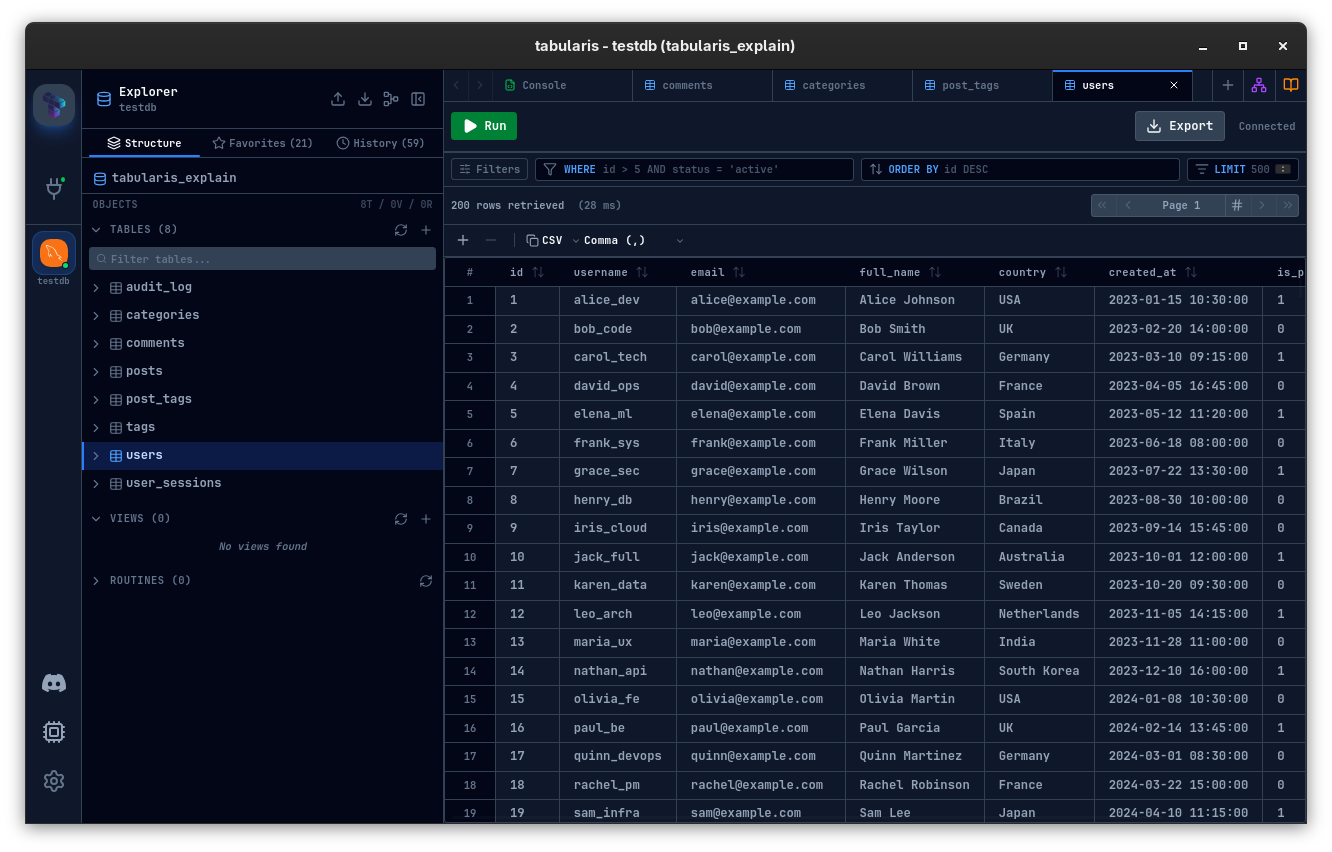
You can now browse schemas, edit rows inline, and run queries, including joins and aggregates, from the editor.
