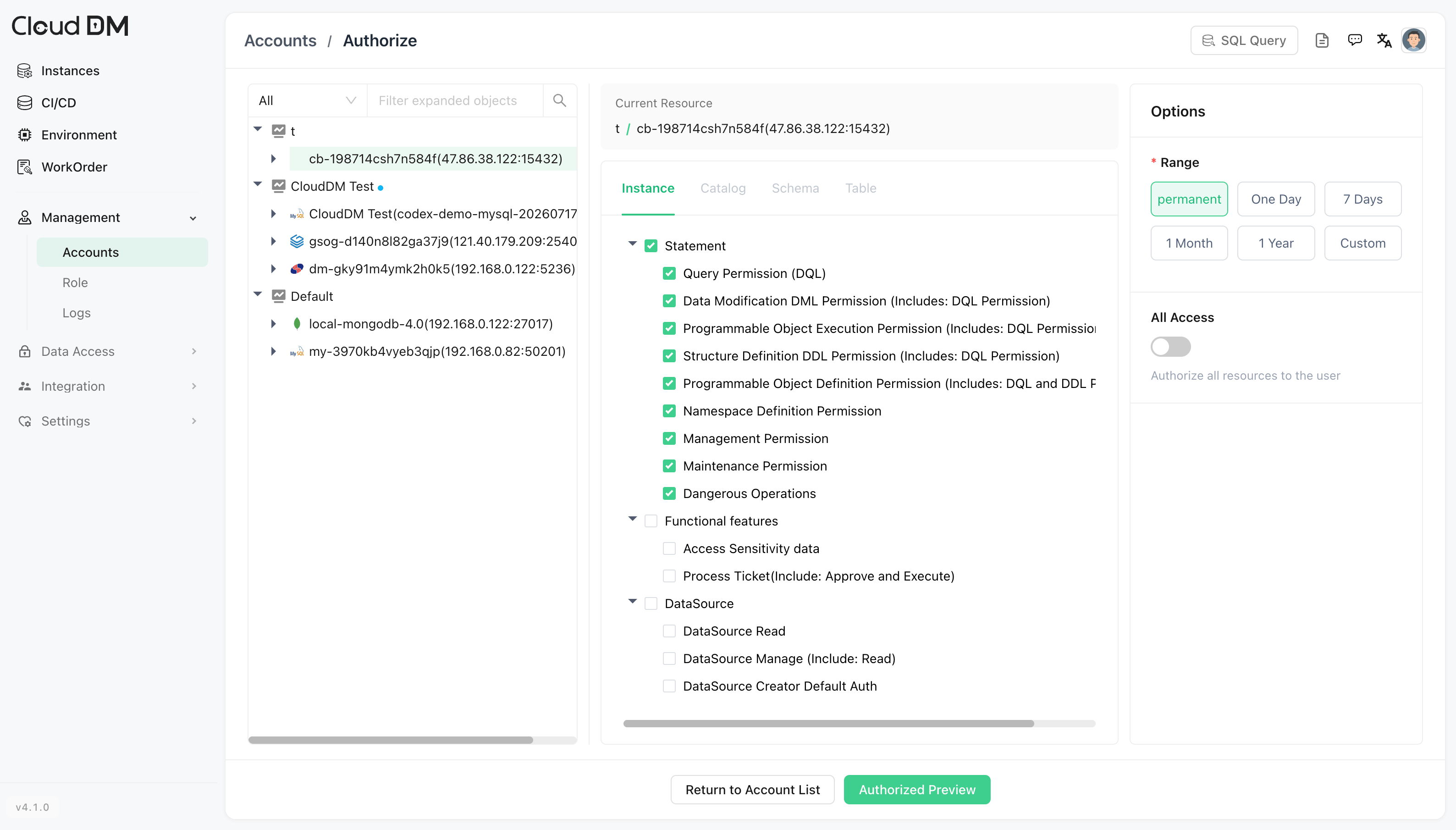
CloudDM
CloudDM is an open-source database management tool for teams. It provides a web console for SQL queries, database management, access control, SQL auditing, approval workflows, and database CI/CD. It supports multiple databases, including MySQL, Oracle, StarRocks, and Apache Cloudberry.
This document shows how to connect CloudDM to Apache Cloudberry and run SQL queries.
Prerequisites
- Apache Cloudberry is deployed and running.
- Database access permissions are properly configured in
pg_hba.conf. - CloudDM (v4.1.0 or higher) is installed and accessible.
Steps
-
Log in to the CloudDM console, and click Back to Workspace.
-
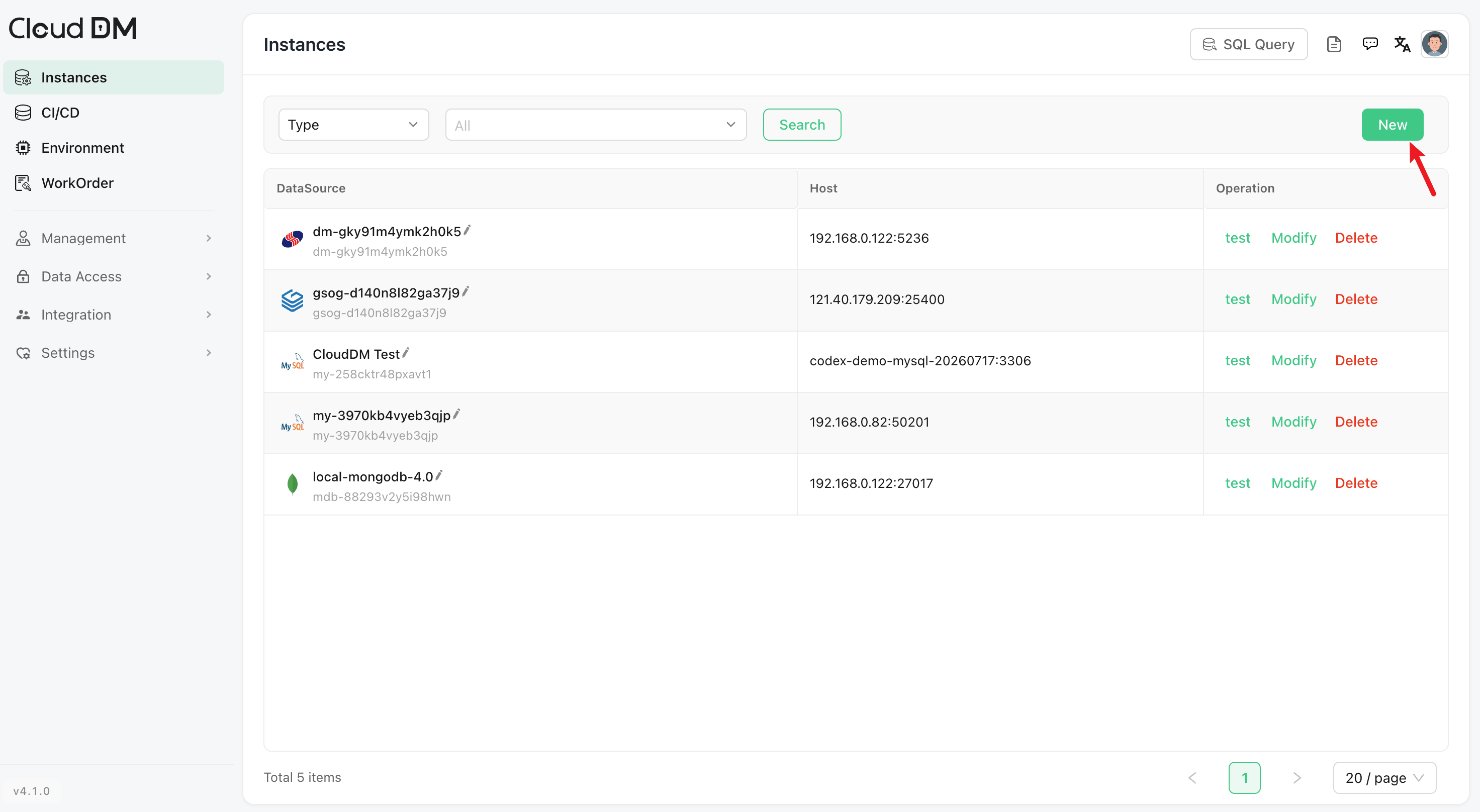
In the left panel, click Instances, and then click New to add a database connection.
-
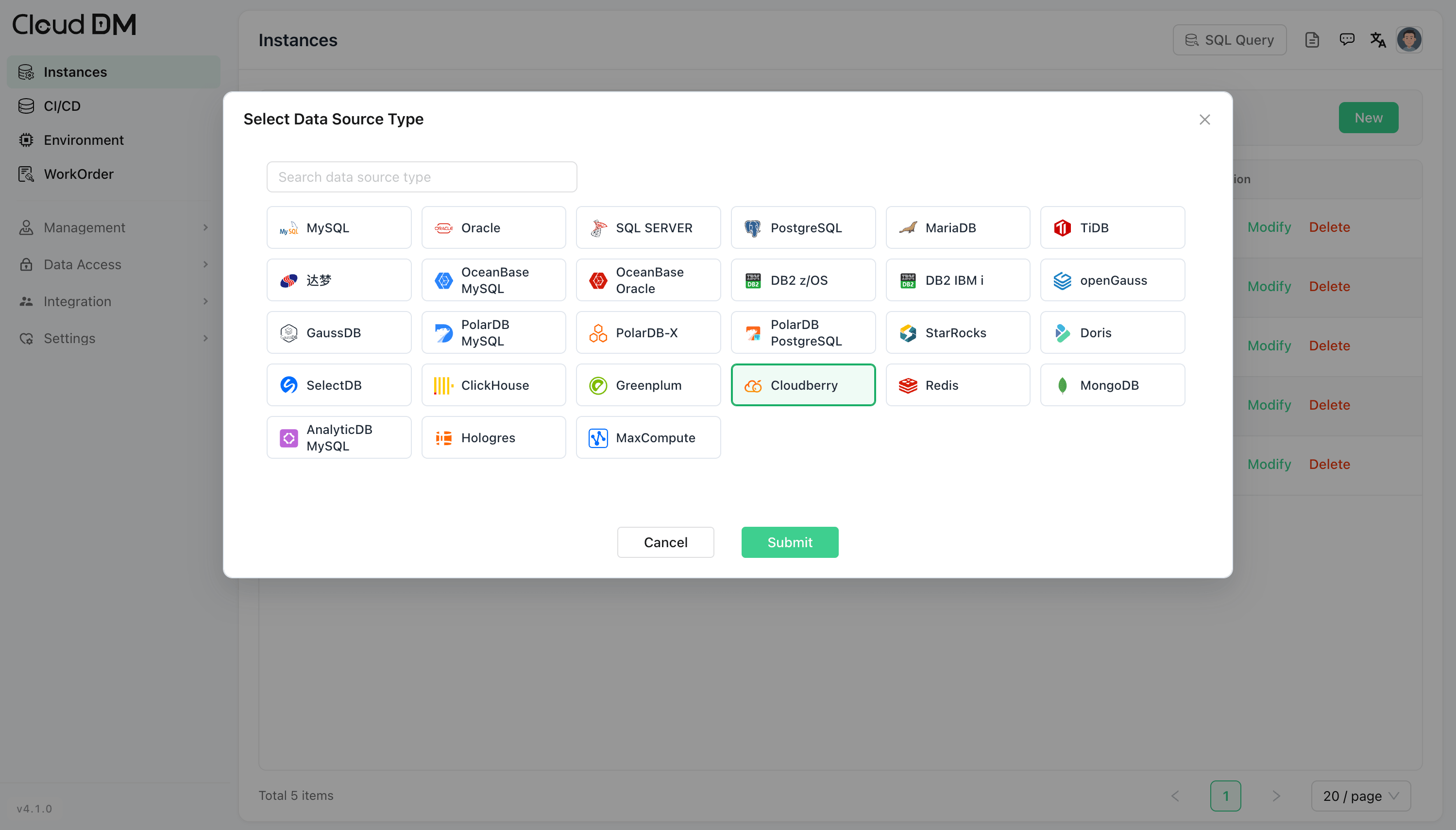
Select Cloudberry and click Submit.
-
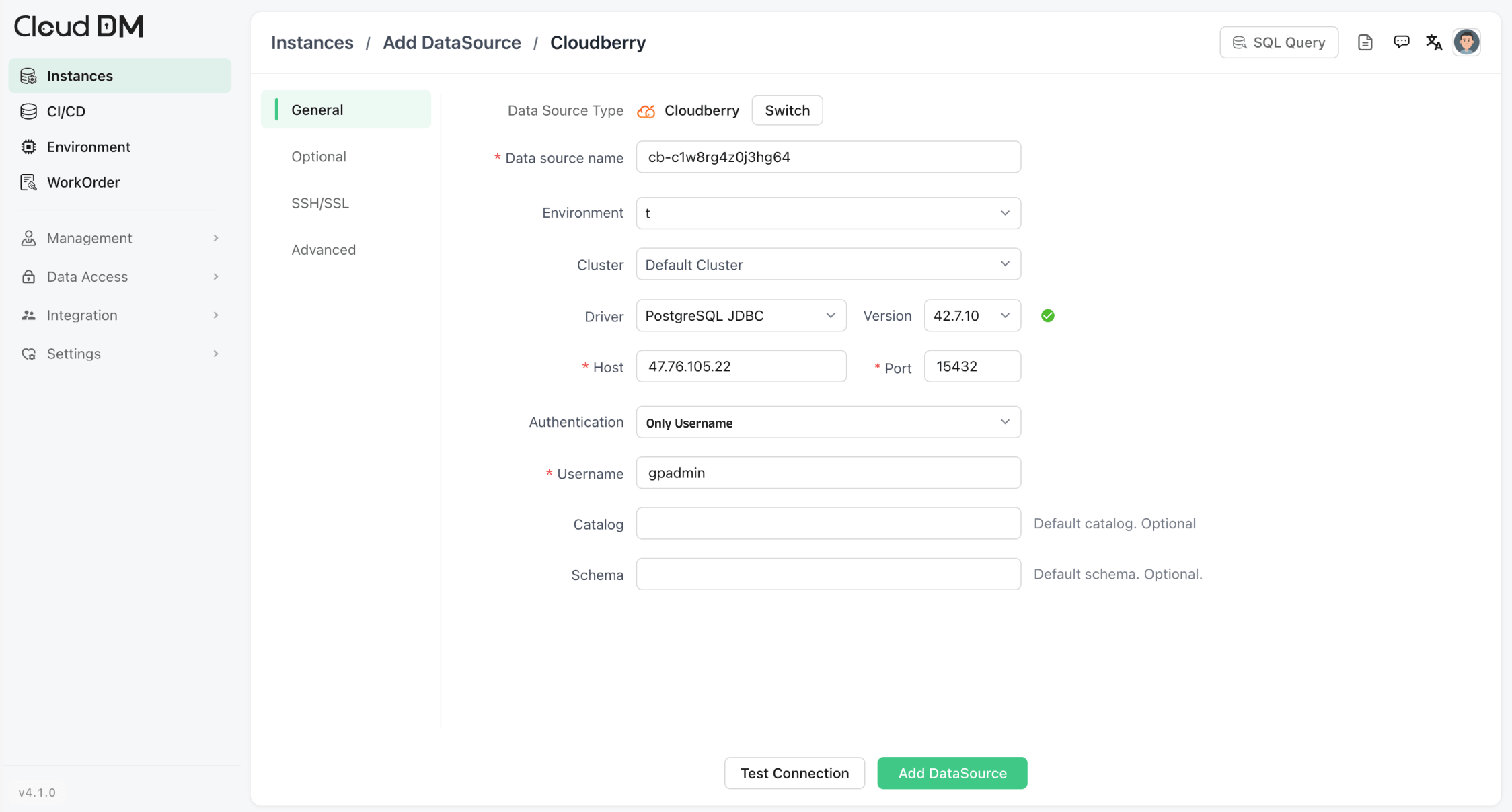
Enter the Cloudberry connection information:
- Host: Enter the hostname or IP address of your Cloudberry instance.
- Port: Enter the port.
- Authentication: Select an authentication method and enter the required information (for example, username and password)
-
Test the connection. Once Cloudberry is connected to CloudDM, click Add DataSource.
If the test fails, check the Cloudberry address, port, database user, password, network access, and
pg_hba.confrules. -
Go to SQL Query.
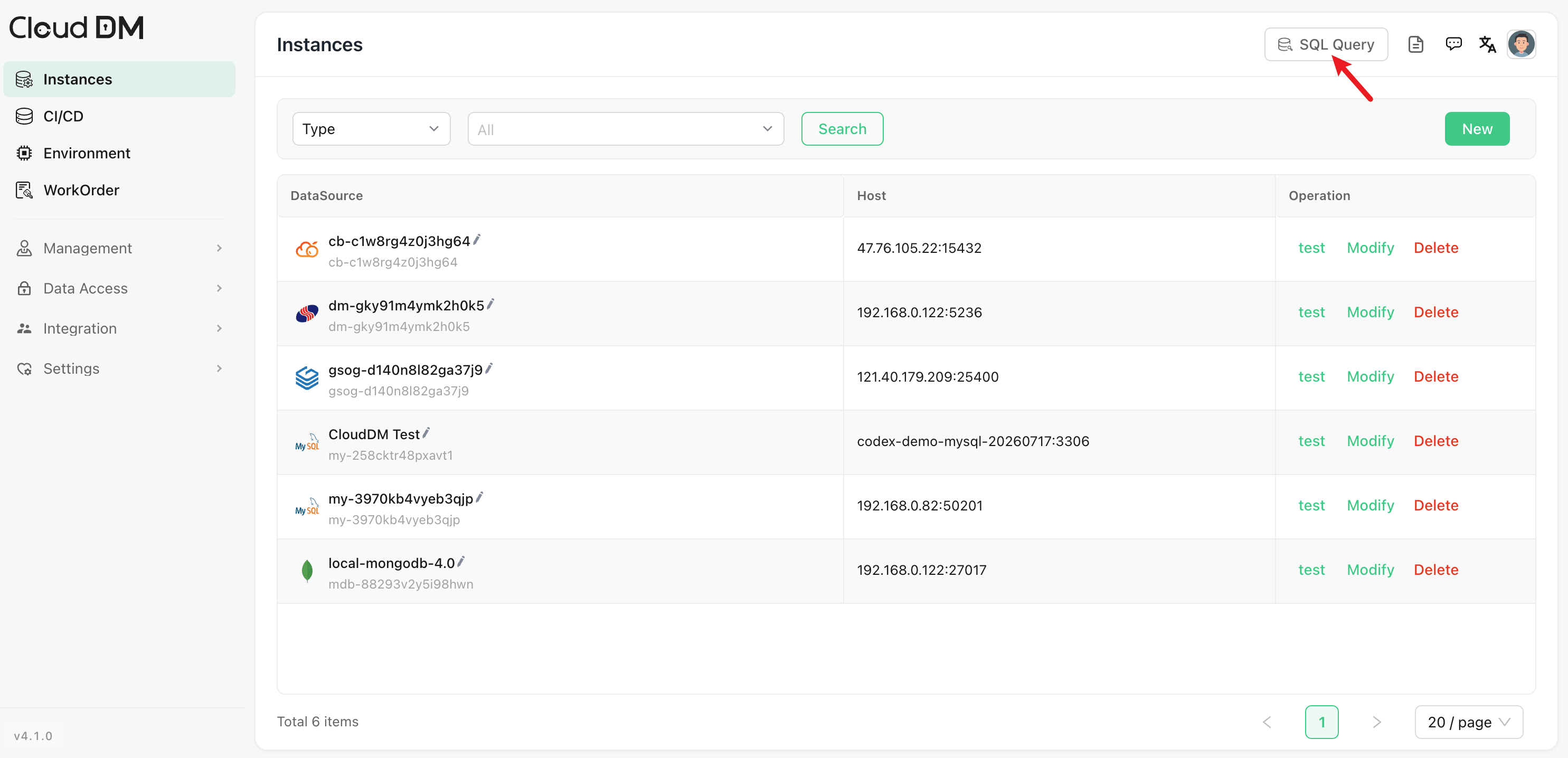
-
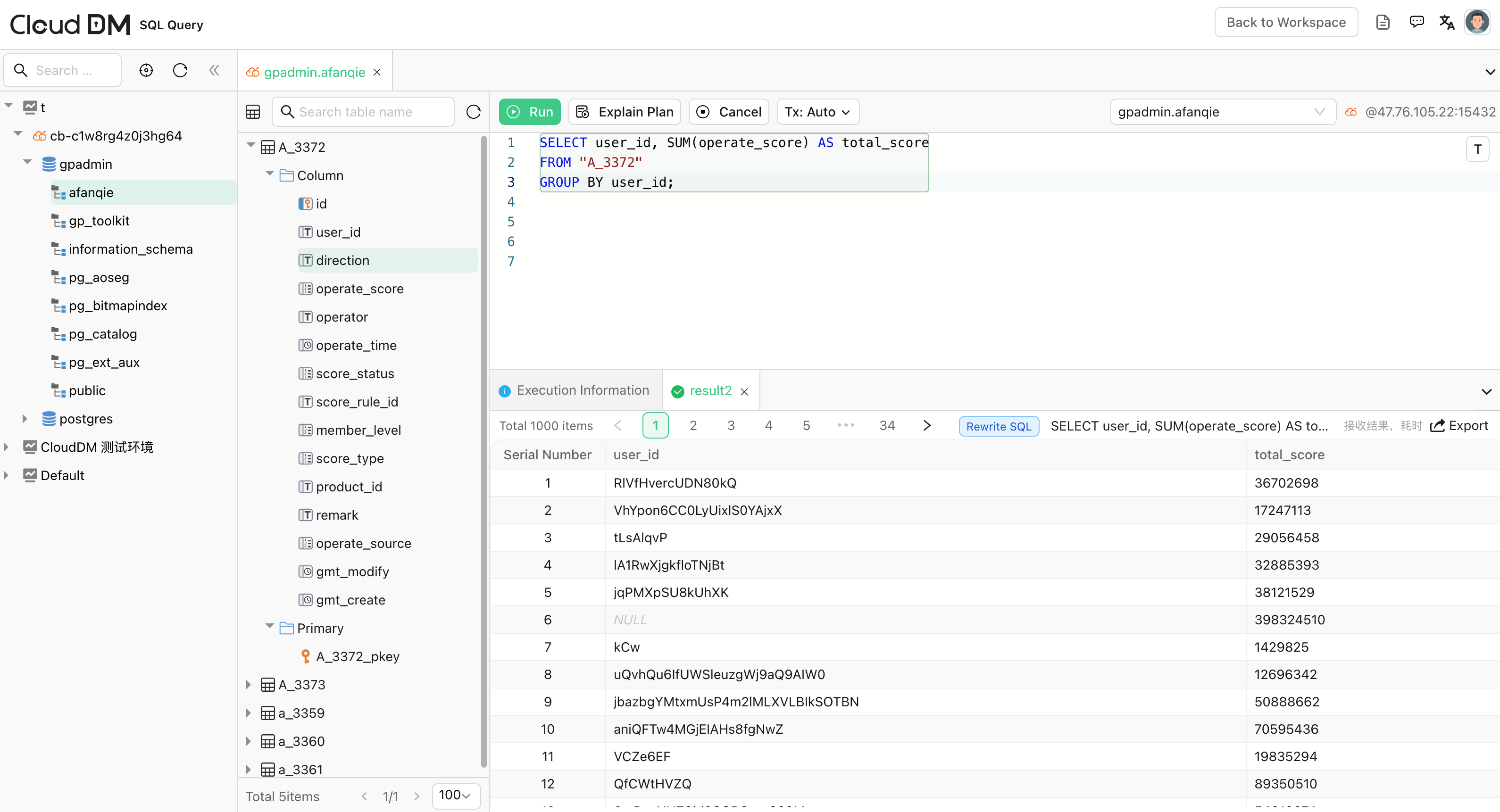
The added Cloudberry instance is shown in the left panel. Now you can start running a query.
Other features
Work orders
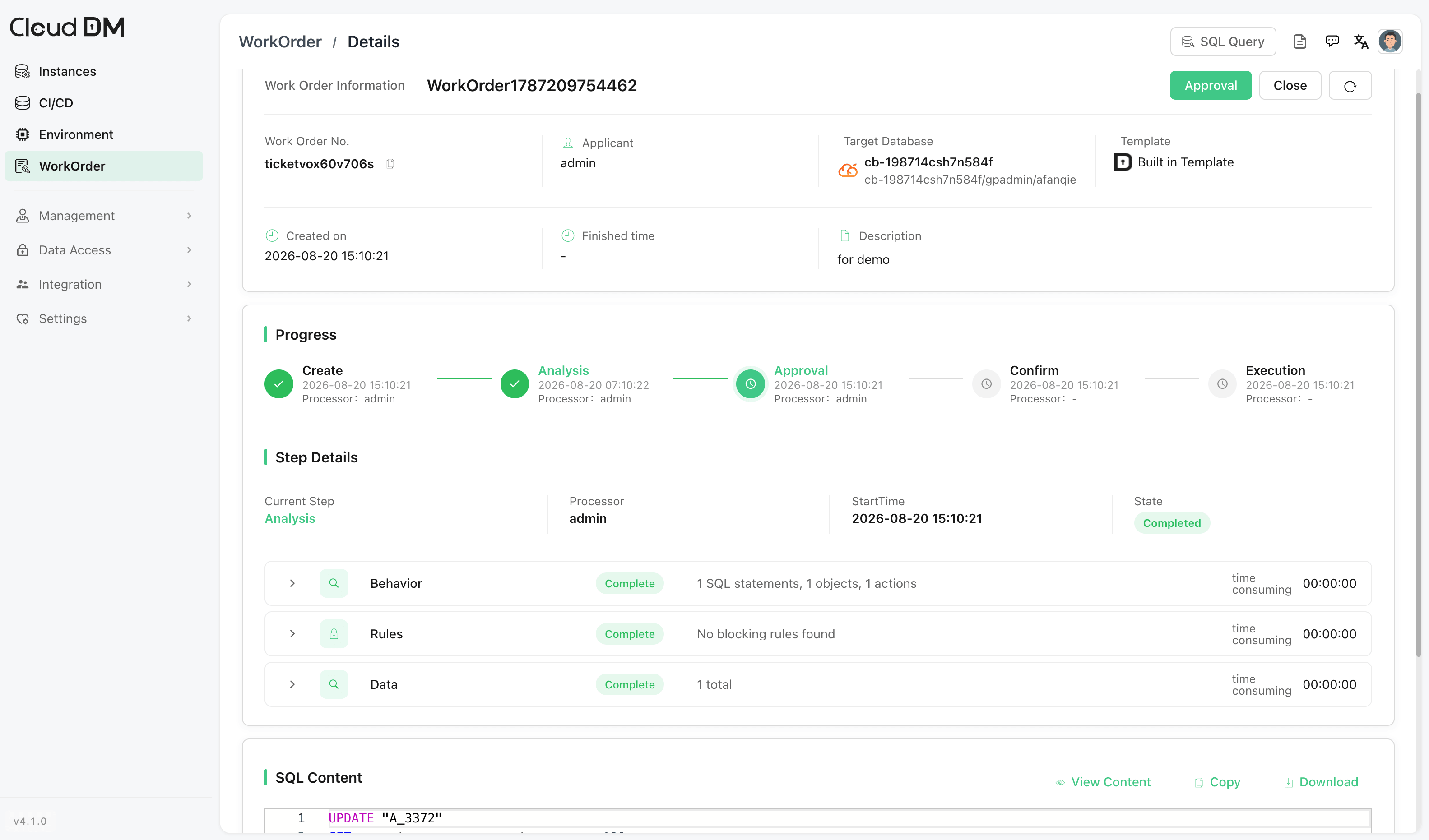
CloudDM supports work orders for production database changes. Teams can submit, approve, and execute changes through a controlled workflow.
CI/CD
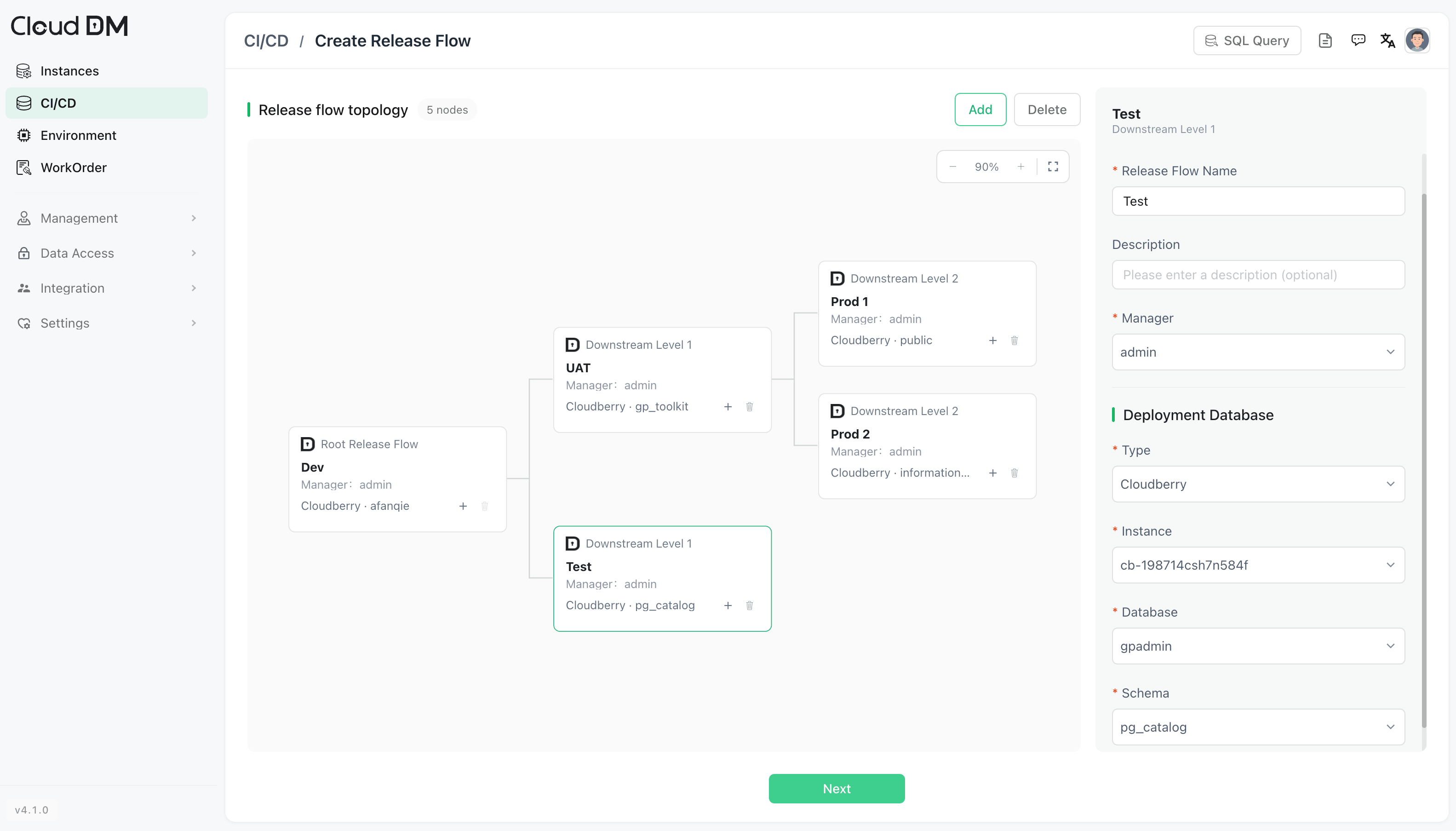
CloudDM can trigger database CI/CD workflows through Git Push, Web Hook, and HttpCall. Teams can include SQL checks, approvals, and execution in application release processes, and manage database change scripts in one place.
User access control
CloudDM supports role-based access control (RBAC) for team collaboration. Teams can grant access by role and control which data sources and operations each user can use.