LibreDB Studio
LibreDB Studio is an open source, web-based SQL IDE with a query editor, an object browser, and a monitoring dashboard. It supports seventeen database engines, including PostgreSQL, MySQL, Oracle, and ClickHouse, from a single workspace. It connects to Apache Cloudberry over the PostgreSQL wire protocol, the same way it connects to PostgreSQL itself.
Prerequisites
- Apache Cloudberry is deployed with proper database access permissions set in
pg_hba.conf. These steps were verified against Apache Cloudberry 2.1.0-incubating. - LibreDB Studio is installed and running. It is not a desktop download: run it as a container, a Helm chart, or with
npx @libredb/studio. - The coordinator host, port, database name, and a role to connect as.
Steps
-
Open LibreDB Studio in your browser and sign in.
-
Click the + button next to the LibreDB Studio logo to open the New Connection dialog.
-
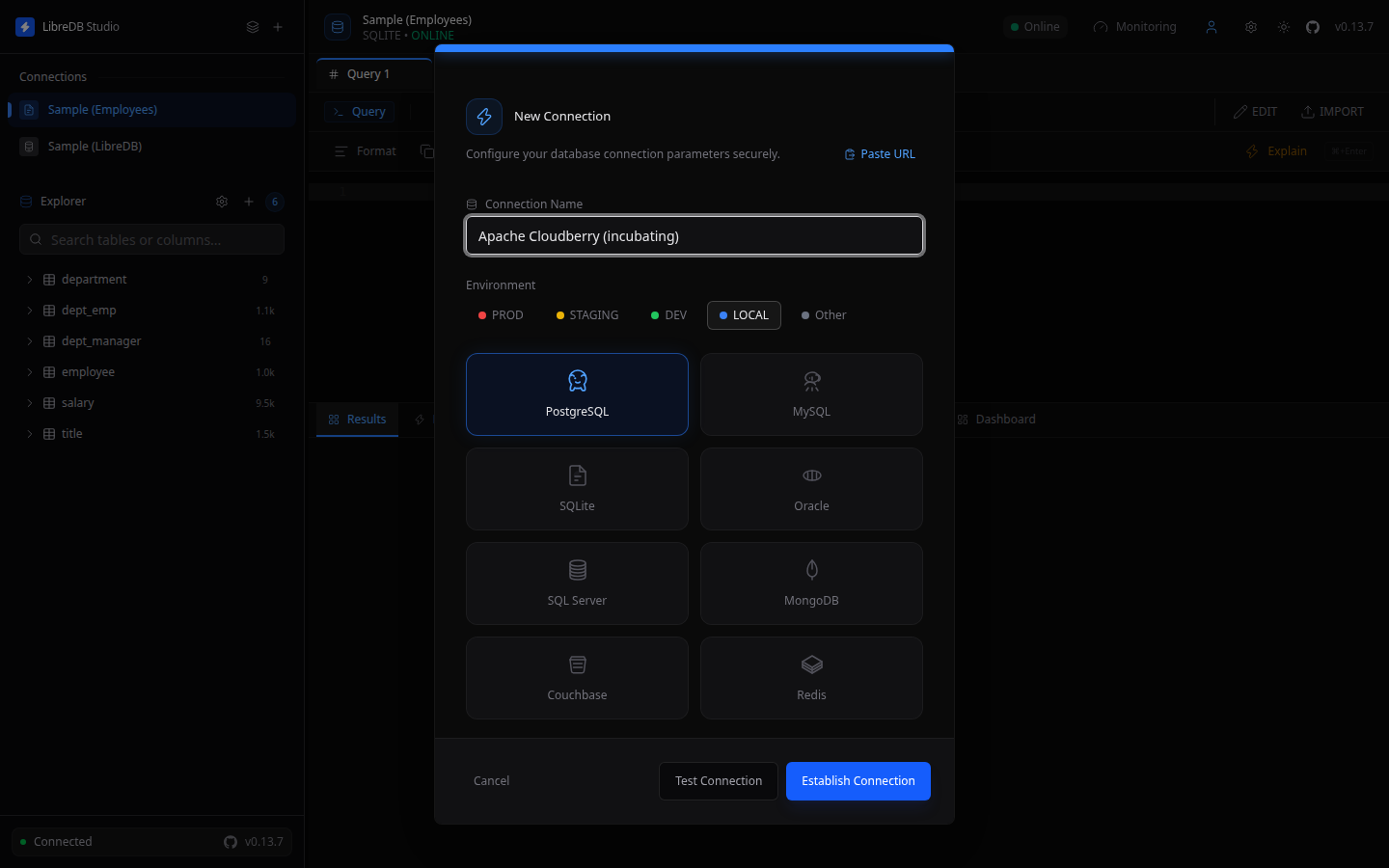
Name the connection and select PostgreSQL as the connection type. Cloudberry has no separate connection type of its own: it speaks the PostgreSQL wire protocol, so the PostgreSQL driver is the correct choice.
-
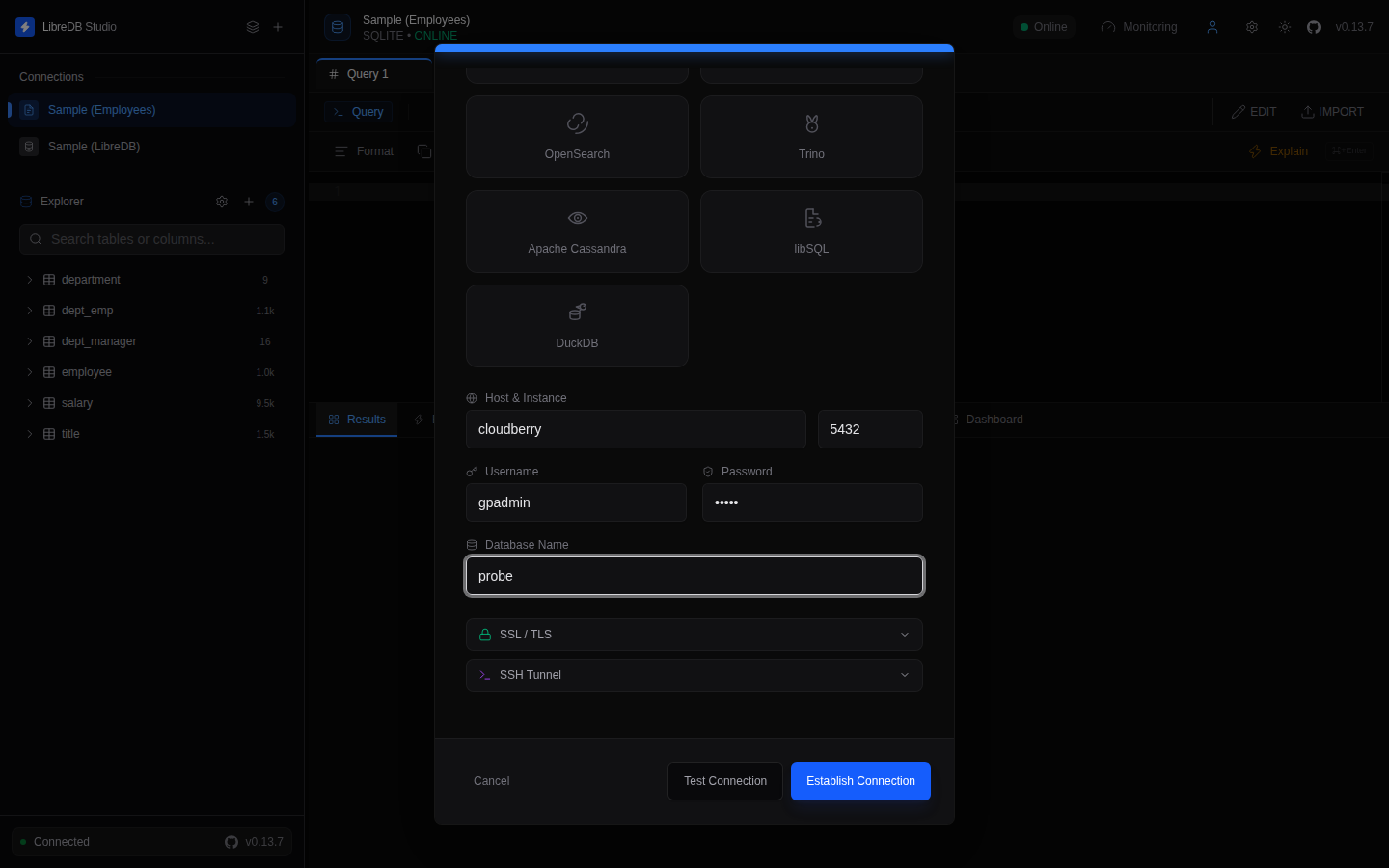
Fill in the coordinator host and port, along with your username, password, and database name.
-
Click Test Connection to verify, then Establish Connection.
The connection appears in the sidebar, with the object browser on the left. Two internal tables, pg_ext_aux.pg_pax_fastsequence and pg_ext_aux.pg_pax_tables, are listed alongside your own tables.
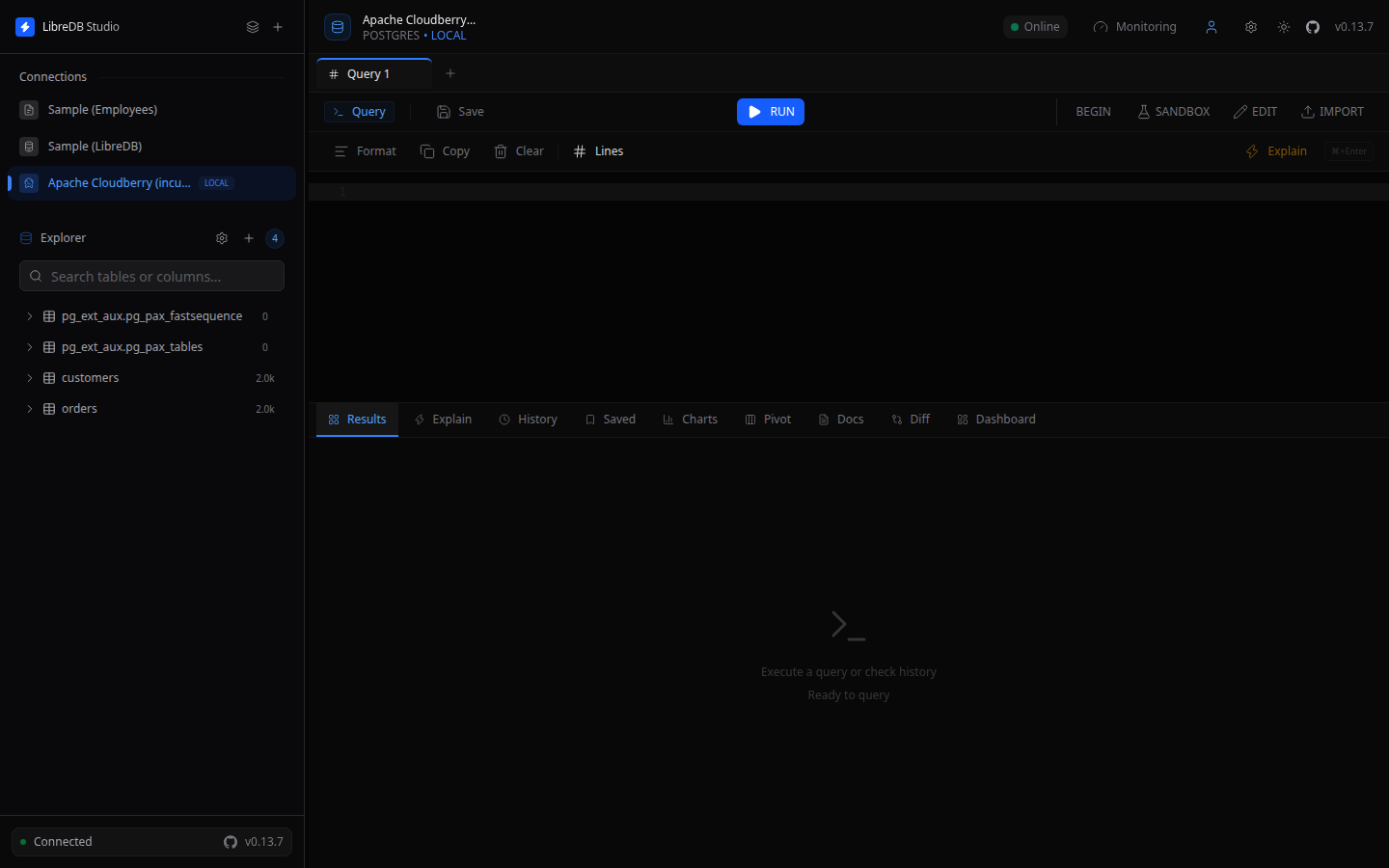
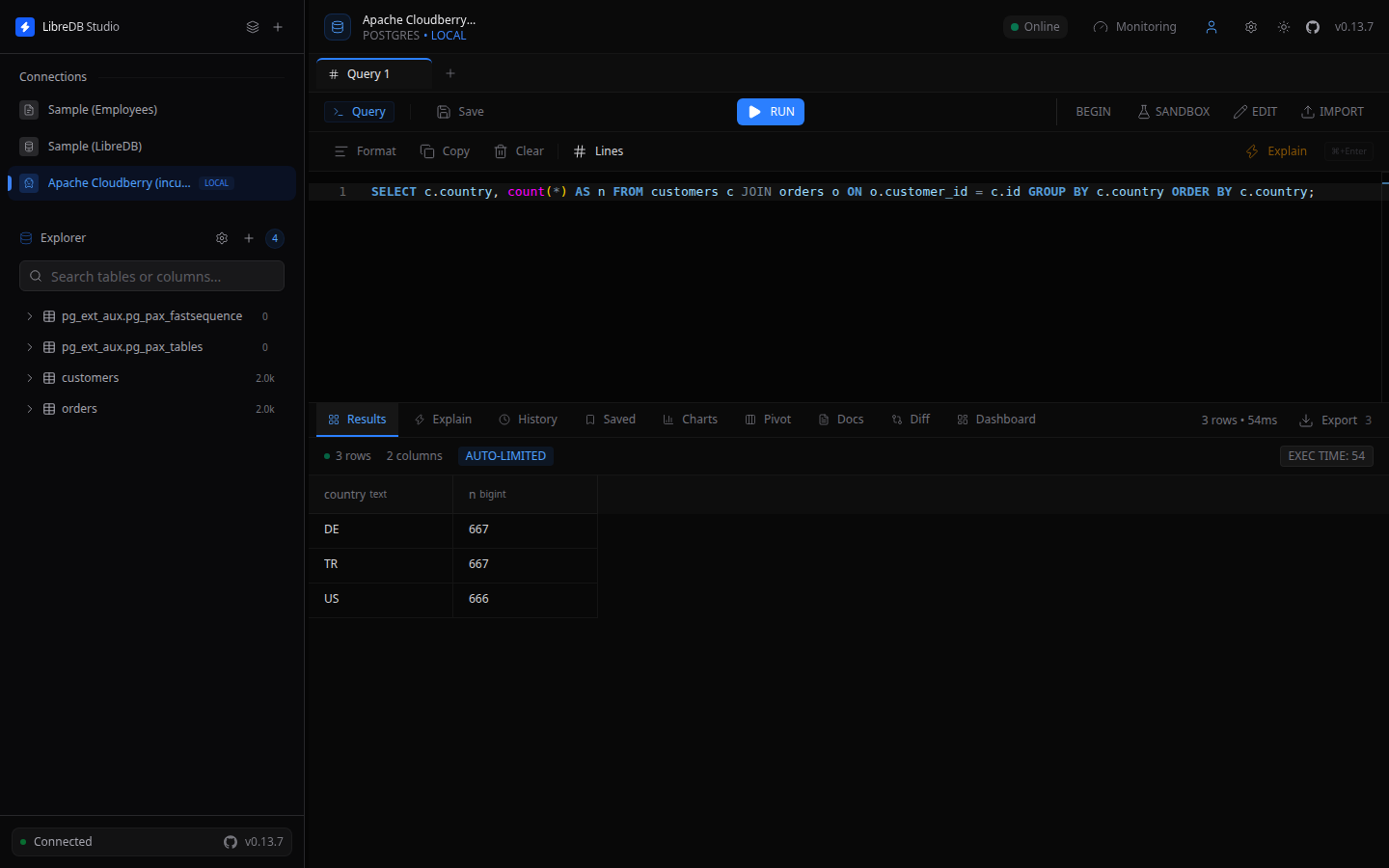
You can now browse schemas and run queries, including joins and aggregates, from the editor.